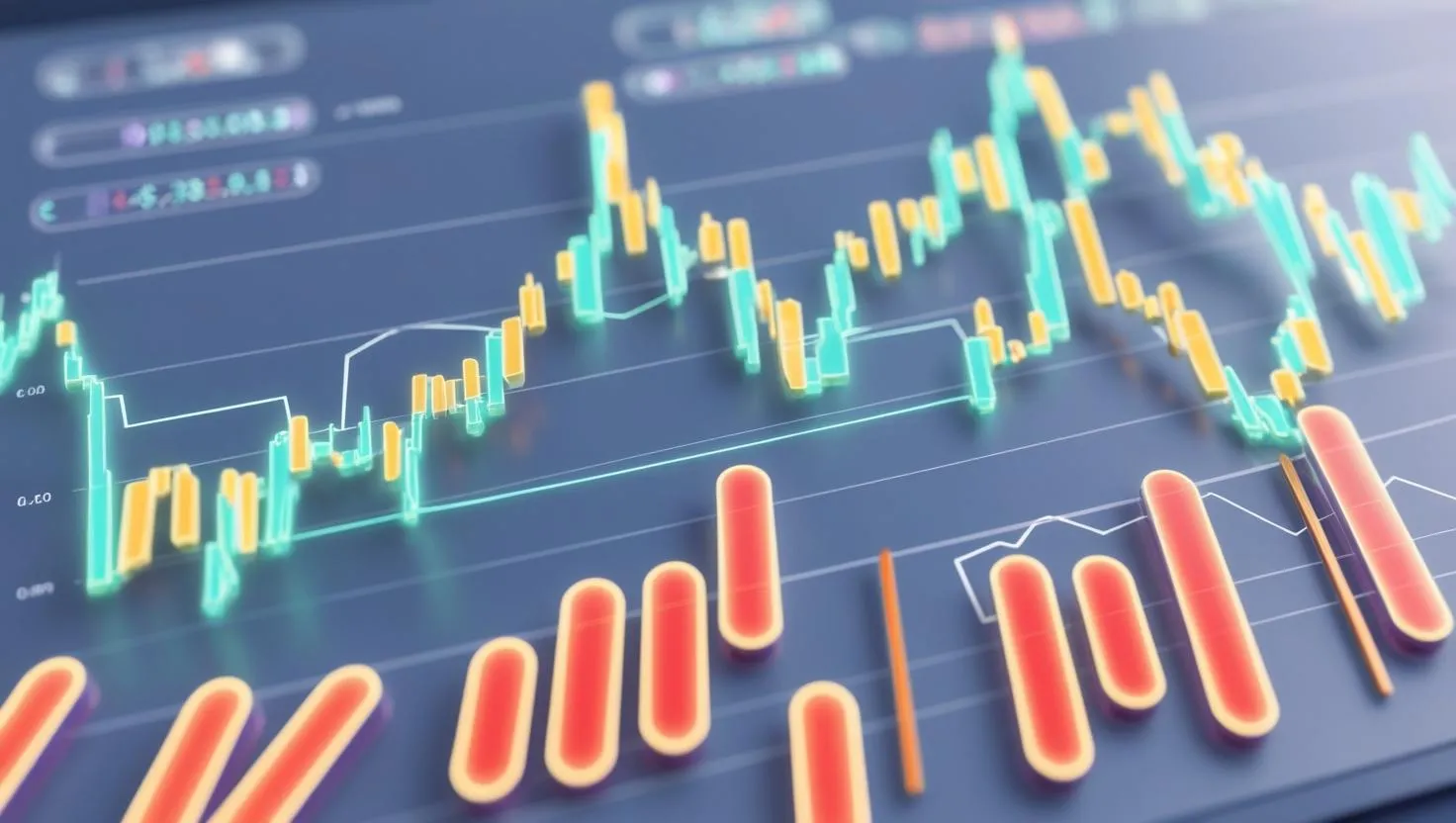
Why Screenshots Are Essential in Your Amazon KDP Trading Book
Have you ever picked up a trading book only to find it filled with dense blocks of text and dry explanations? If so, you’re not alone. Many readers struggle to connect with purely textual trading guides because trading is inherently visual and dynamic. That’s where screenshots come in—offering an immediate, tangible look into trading charts, setups, indicators, and outcomes.
Screenshots aren’t just decorative elements; they are vital educational tools that facilitate understanding for both novice and seasoned traders alike. They help bring complex concepts to life by demonstrating real-world examples. Imagine teaching a strategy with just words instead of showing the exact moment when a trade was entered or exited. It’s no contest—visuals win every time.

How Screenshots Enhance Engagement and Credibility
Engagement is a tricky beast in publishing, especially in niches like trading where skepticism runs high. Readers want to see that authors practice what they preach. A compelling way to build that trust is through authentic screenshots of real trades, educational chart setups, or performance snapshots that back up your claims.
“Sharing genuine trading screenshots not only validates your expertise but also humanizes your content, making it relatable and actionable.” – Financial Author Insight
When you include screenshots generated from reliable platforms like MetaTrader, your content gains undeniable authenticity. This digital proof bridges the gap between theory and practice. On a practical level, these images can boost your book’s conversion rates by fostering trust — a critical factor when competing on Amazon KDP.
Where to Get High-Quality Trading Screenshots for Your Book
Gathering professional screenshots manually can be tedious and time-consuming. Many authors resort to quick snapshots or low-quality images, which can undermine the professionalism of their work. This is where tools like the Trading Screenshot Generator shine. This innovative web tool empowers you to create clean, customized MetaTrader screenshots with just a few clicks.
Instead of fumbling with print-screens and manual cropping, you can:
- Highlight specific trades or indicators
- Personalize the look with annotations or branding
- Ensure consistent, high-resolution images for print and digital formats

Best Practices for Using Screenshots in Amazon KDP Trading Books
Incorporating screenshots effectively in your trading book demands more than just slapping images on the page. Consider the following tips to optimize their impact:
1. Use Clear, Focused Images
Make sure each screenshot highlights a single concept or trade setup. Overcrowded images confuse readers. Crop and annotate screenshots to keep the focus sharp. For instance, use colored arrows or circles for entry and exit points.
2. Maintain Consistent Style
Consistency in image style—such as the same font for annotations, uniform borders, and similar color schemes—creates a professional look and feel throughout the book.
3. Provide Context and Explanation
Every screenshot should be accompanied by a detailed caption or narrative explaining what it illustrates and why it’s important. This bridges the visual content with your text, enhancing understanding.

4. Optimize Image Size and Resolution
Amazon KDP has specific guidelines on image resolution to ensure print quality. Aim for at least 300 dpi and adjust dimensions to fit the page layout without pixelation or distortion.
5. Use Color Wisely
While black-and-white printing is cheaper, color screenshots can significantly improve comprehension, especially when highlighting multiple indicators or trade zones.
Examples of How to Use Screenshots to Tell a Trading Story
Let’s explore a few practical scenarios where screenshots can completely transform your reader’s experience:
- Step-by-Step Trade Walkthrough: Break down a trade from setup to close using sequential screenshots, showing how indicators aligned and why the trade worked.
- Educational Pattern Identification: Use clear images to teach chart patterns like Head & Shoulders, flags, or double tops with annotations pointing out key features.
- Performance Reviews: Showcase monthly or quarterly trading results with summarized screenshots of trades, adding charts that demonstrate growth or resilience during volatility.
These narrative-driven visuals create an immersive learning experience that text alone can’t deliver.
How Using Screenshots Can Help Build Your Personal Trader Brand
In the crowded space of trading education, your personal brand is your strongest asset. Authentic and professional-looking screenshots can elevate your credibility, helping you connect with your audience on a deeper level. When readers see you documenting your trading journey with real, polished visuals, they feel invited into your world.
The Trading Screenshot Generator not only saves you time but also boosts your brand professionalism by producing images that are consistent with your voice and style. Over time, these small visual details accumulate and set you apart from competitors.

Final Thoughts: Don’t Underestimate the Power of Visuals
Trading is a visual craft — the market speaks in charts, patterns, and setups that unfold on screens. So, why should your Amazon KDP trading book be any different? Incorporating high-quality, well-explained screenshots elevates your educational content from abstract theory to actionable insight.
Whether you’re an educator, signal provider, or aspiring influencer in the trading niche, your book deserves the polish and authority that only real trade visuals can bring. If you want to streamline this process and produce standout imagery easily, give Trading Screenshot Generator a try—you’ll wonder how you ever managed without it.