
Why Combining Screenshots and Audio Elevates Your Podcast Visual Content
In the crowded world of financial education, trading signals, and investment influencing, standing out requires more than just great audio content. But have you ever wondered how to make your podcast episodes resonate more visually, without burdening yourself with complex video editing software?
Imagine this: You’re discussing a recent trade, explaining your entry, exit, and rationale. Your audience listens intently, but what if they could also see a crisp, professional screenshot of your actual trade setup? Wouldn’t that boost your credibility and engagement? Spoiler alert: It absolutely does.

The Power of Visuals in Audio Content
Podcasts are typically an auditory medium, relying solely on the listener’s imagination and engagement. Yet, recent trends reveal that listeners crave complementary visuals to deepen understanding and retention. Financial topics, in particular, benefit enormously from visuals — charts, trade setups, screenshots — because numbers and movements speak louder when seen.
- Retention: Learners retain 65% of information when both heard and seen versus 10% if heard alone. ([Source: Learning Styles Online])
- Trust Building: Showing real trade screenshots increases transparency, boosting your audience’s trust.
- Branding: Consistent use of customized visuals sets a unique identity in a saturated market.
So how can you combine audio and visuals without painful video editing? Enter Trading Screenshot Generator, a game-changing tool designed for trading educators, signal sellers, and financial influencers.
How Trading Screenshot Generator Simplifies Visual Creation
Traditional methods of creating screenshots from trading platforms like MetaTrader are cumbersome:
- Manual screenshot capture.
- Editing to remove clutter or highlight key data.
- Branding consistency issues.
- Time-consuming and often low quality.
Trading Screenshot Generator automates and streamlines this process:
- Quick Customization: Instantly generate clean, high-quality screenshots tailored for your brand aesthetics.
- User-Friendly: No design or editing skills required. A few clicks, and your visuals are ready.
- Enhanced Trust: Show authentic past trades or educational setups without exposing sensitive data.
- Boosted Conversions: Visual proof backups your claims, attracting more engaged clients.
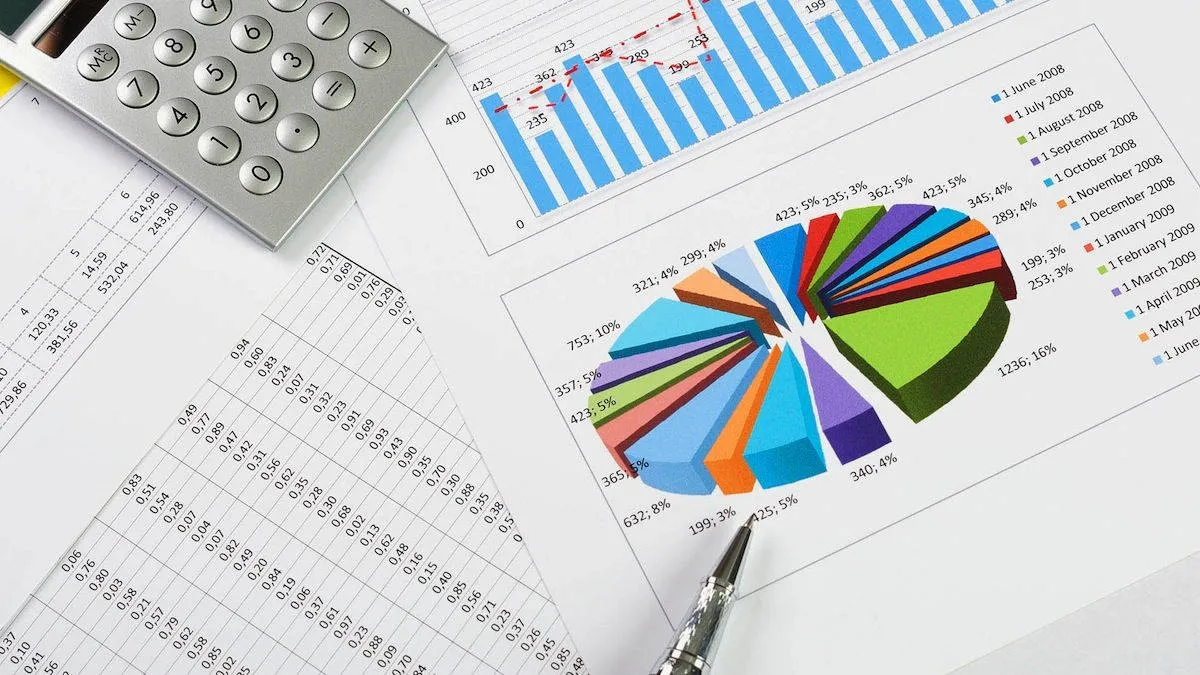
By integrating such visuals with your podcast audio, you can create powerful post-episode graphics, social media snippets, or even video content that visually narrates your story.
Practical Ways to Combine Screenshots and Audio in Your Podcasts
1. Use Visuals to Support Trade Analysis Episodes
Whenever you discuss a specific trade, pull up a screenshot of the exact MetaTrader setup or chart. Use tools to highlight entry points, exit signals, and risk management overlays. This helps the listener connect words to action.
For example, finance educator Sarah combines detailed trade screenshots with her weekly podcast, “Trade Talks.” Her listeners consistently say visuals clarify her points that would otherwise sound abstract.
2. Enhance Educational Series with Step-by-Step Images
Walk your audience through complex concepts like candlestick patterns or technical indicators by pairing your explanations with clean, simplified screenshots. Sequential visuals complement your narrative perfectly.
- Display a screenshot of a “head and shoulders” pattern.
- Highlight buy/sell zones on the chart in colors matching your podcast branding.
- Provide downloadable screenshots in show notes for deeper study.
3. Create Compelling Visual Quotes & Highlights
Pull out memorable audio quotes and pair them with trade screenshots or summarized trade reports. Share these on social media or your website for maximum engagement.
“Transparency equals trust – and trust equals success in trading.” – from ‘Inside Trading Strategies’ podcast.

Tips for Seamlessly Integrating Screenshots into Your Audio Content Strategy
Optimize for Multi-Platform Sharing
Don’t limit visuals to just your podcast website. Use them in:
- Instagram stories and posts
- Twitter threads
- YouTube video snippets
- Facebook groups and Live sessions
Ensure Branding Consistency
Custom colors, logos, and layouts reinforce brand recognition. Most screenshot generators let you embed these elements effortlessly.
Provide Download Options
Consider sharing the screenshots as downloadable resources in your podcast notes or newsletter. Your audience will appreciate having a tangible takeaway.
Keep It Simple & Clear
Busy, cluttered visuals defeat the purpose. Use clean, uncluttered screenshots – just like those created with Trading Screenshot Generator – to maintain clarity and professionalism.
Real-Life Success Story: How Visual Content Transformed a Trading Podcast
Jamie, a financial influencer with a modest podcast audience, struggled to differentiate his content. Listeners found some jargon confusing and asked for clearer examples. After incorporating customized MetaTrader screenshots in episode summaries and social media, his engagement soared by 40% within three months.
“Seeing the actual trades makes a world of difference,” Jamie says. “Trading Screenshot Generator saved me hours and helped me present my trades like a pro. Now, my audience trusts me more and shares the content widely.”

SEO Best Practices to Boost Your Podcast Visibility Using Visuals
When publishing screenshots alongside podcast episodes, keep SEO in mind:
- Alt-text: Use descriptive, keyword-rich alternate text for images.
- File names: Rename screenshots with relevant keywords before uploading.
- Captions & Descriptions: Write concise descriptions around screenshots that include natural keyword variations related to trading education or signals.
- Structured Content: Use headings, bullet points, and subtopics to organize content clearly.
For example, including phrases like “MetaTrader trade setup screenshot,” “Forex trade analysis image,” or “custom trading screenshots for educators” helps search engines associate your content with relevant queries.
Wrapping Up: Why You Should Start Combining Screenshots and Audio Today
In the fast-evolving landscape of financial content, blending audio with high-quality visual screenshots is no longer optional—it’s essential.
This combination:
- Clarifies complex trading concepts.
- Builds unshakeable trust with your audience.
- Differentiates your brand in a crowded market.
- Drives better engagement and conversion rates.
Tools like Trading Screenshot Generator make it easier than ever to create stunning, professional screenshots that complement your audio content beautifully. Whether you’re educating beginners or showcasing premium signals, visuals paired with your podcast will transform how your message lands.
So why wait? Start creating your impactful podcast visuals today — your listeners (and your brand) will thank you.