
Unlocking the Power of Every Pixel: Why Customization Matters in Trading Screenshots
Imagine scrolling through your favorite trading educator’s Instagram feed. There’s a screenshot of a recent trade, crisp and clear, with clean annotations highlighting entry, stop loss, and take profit points. It feels professional, trustworthy—even inspiring. Now, contrast that with a cluttered, blurry, or generic chart screenshot. Which one would compel you to hit that “follow” button or trust their paid signals?
This stark difference underlines the critical role customization plays in building credibility and authority in the trading community. Screenshots are more than just pictures; they are your digital handshake with potential clients, students, and followers. Controlling every detail makes your brand shine and elevates your message above the noise.

Trading Screenshot Generator: Tailored Visuals for Traders Who Mean Business
If you’re serious about showcasing your trading prowess or educational content, a one-size-fits-all screenshot is simply not enough. Enter Trading Screenshot Generator, an innovative tool designed for trading educators, signal sellers, and influencers who crave advanced customization with zero hassle.
Forget cumbersome image editors or awkward manual cropping. This tool integrates seamlessly with your MetaTrader platform, enabling you to generate crystal-clear, professional-grade screenshots in just a few clicks. But what really sets it apart is the depth of control you get over every element, from colors to text, layout to graphical overlays.
What Does “Advanced Customization” Really Mean?
Customization isn’t just slapping on your logo or cropping borders. It’s refining every pixel to tell your story effectively. Here’s how Trading Screenshot Generator lets you master every detail:
- Custom Annotations and Labels: Add precise trade details, educational notes, or disclaimers in stylish, readable fonts.
- Color Schemes and Themes: Match your brand colors or create visually intuitive charts that emphasize critical areas (like entry and exit zones).
- Select Which Elements to Show or Hide: Control the visibility of toolbars, indicators, and price labels to avoid clutter and maintain focus.
- Multiple Screenshot Layouts: Generate single charts or multi-frame “storyboards” to compare setups or showcase a series of trades.
- Watermark and Branding Options: Protect your content from misuse and reinforce brand recognition effortlessly.
In other words, you get complete artistic freedom without the learning curve of graphic design software.
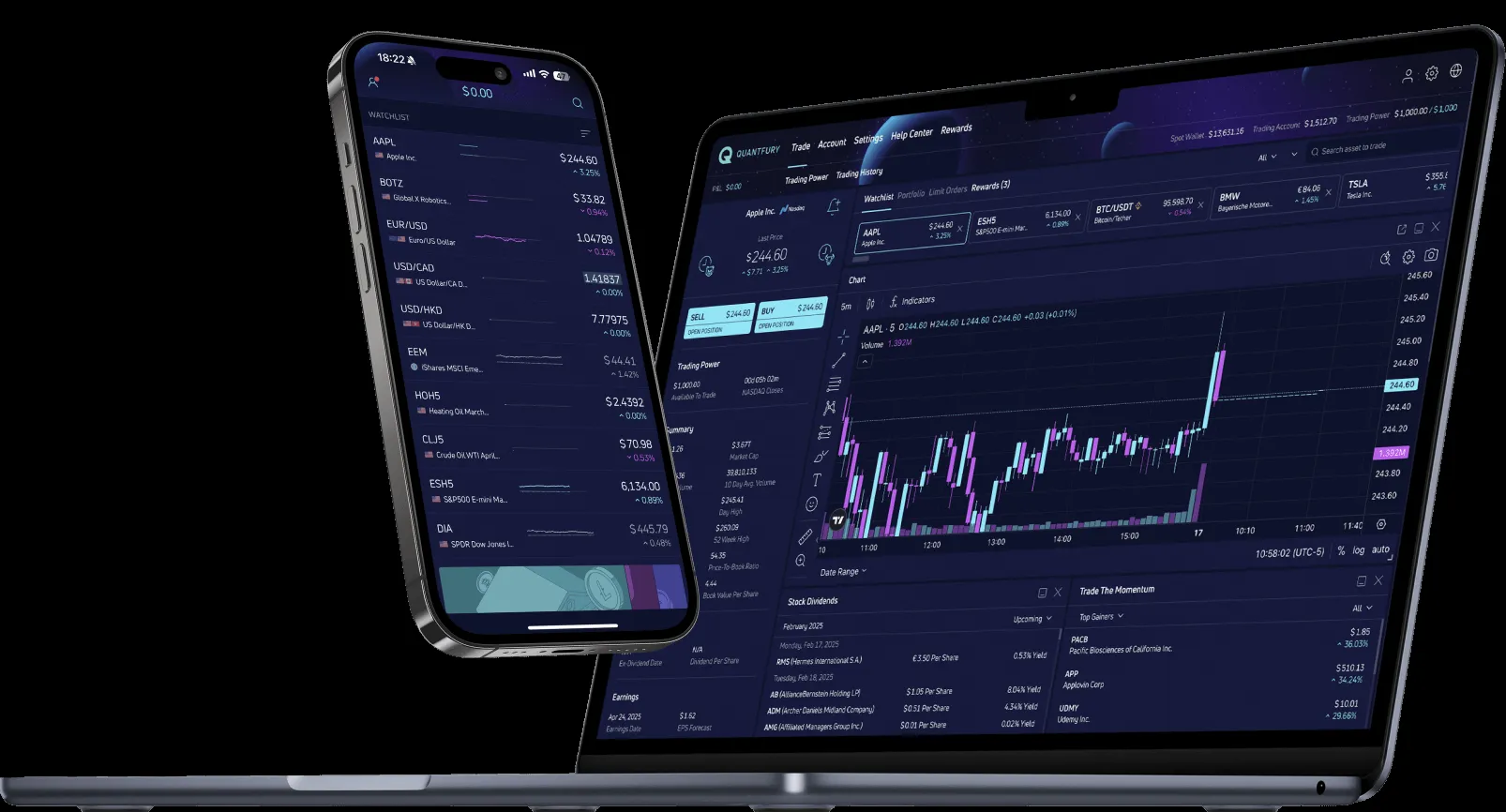
Step-by-Step: How to Achieve Perfectly Customized Screenshots
Let’s walk through a typical use case that’s relevant for anyone in the trading education space.
- Connect Your MetaTrader Account: Securely link the tool to your MetaTrader platform to access your trade history and charts instantly.
- Choose Your Screenshot Type: Do you want a snapshot of a single completed trade, or a comparative layout displaying multiple currency pairs or timeframes?
- Customize Visual Elements: Select which indicators to display, choose background colors, and annotate key price points directly within the interface.
- Add Branding: Upload your logo, set a watermark transparency level, and insert personalized disclaimers.
- Preview and Fine-Tune: The real-time preview lets you adjust text sizes, colors, and placements until the screenshot matches your vision perfectly.
- Export and Share: Download high-resolution PNG files ready to post on social media, embed in newsletters, or include in course materials.
Pro Tip:
“The ability to toggle indicators and annotation visibility independently of each other means my students focus on what truly matters, without distractions.” — Alice M., Trading Educator
Why Every Trading Influencer Needs This Level of Control
Advanced users know that the story behind each trade is as important as the numbers themselves. By mastering customization, you can:
- Build trust through transparency. Showing your actual trades with clear, branded visuals makes followers more confident in your expertise.
- Enhance teaching clarity. Highlighting setup details with annotations helps students understand strategies faster.
- Increase conversion rates. High-quality, professional screenshots attract premium clients and generate more sales.
- Stand out in crowded markets. Instead of generic chart images, customized visuals create a unique, memorable identity.
Common Questions About Customizing Your Trading Screenshots
Can I use this tool if I’m not tech-savvy?
Absolutely! The interface is designed with simplicity and usability in mind. You don’t need graphic design skills—just pick your preferences, and the tool does the heavy lifting.
Is it compatible with all MetaTrader versions?
Trading Screenshot Generator supports the most popular MetaTrader platforms, including MT4 and MT5, ensuring broad compatibility with your trading environment.
How does the watermark protect my screenshots?
Adding a semi-transparent watermark keeps your images professional and deters unauthorized reuse while retaining visual appeal.
Can I save my customization presets?
Yes! Save time by storing multiple templates tailored for different markets, trade types, or branding requirements.
Anecdote: From Amateur Snapshots to Pro-Level Branding
Meet Sam, a forex signal provider who initially relied on quick screenshots with paint-tool annotations. Although he had solid results, his engagement stagnated. After switching to Trading Screenshot Generator, Sam began sharing sleek, customized visuals that aligned perfectly with his brand colors and messaging. Within weeks, his follower base grew by 35%, and his subscribers commented on how much more professional and trust-inspiring his posts felt.
This shift wasn’t just about aesthetics; it was about crafting a visual narrative that resonated with his audience—and that’s the real power of advanced customization.
Final Thoughts: Make Every Screenshot Work for You
In today’s competitive trading landscape, your visuals speak volumes. Leveraging advanced customization with Trading Screenshot Generator isn’t just a nice-to-have—it’s an essential part of building trust, educating effectively, and standing out as a credible trading influencer or educator.
Intrigued? Ready to put your screenshots on the next level? Don’t just capture trades—craft stories with precision and style. Try Trading Screenshot Generator today and master every detail of your trading visuals.
